Animations
Introduction
When you have time-varying data, you cannot show that in a static plot, you need to animate it, so that you can see the variance of the data through time. In this section, we will discuss two separate ways to animate time-varying data:
- FuncAnimation
- ArtistAnimation
Which are both intrinsic to MatPlotLib.
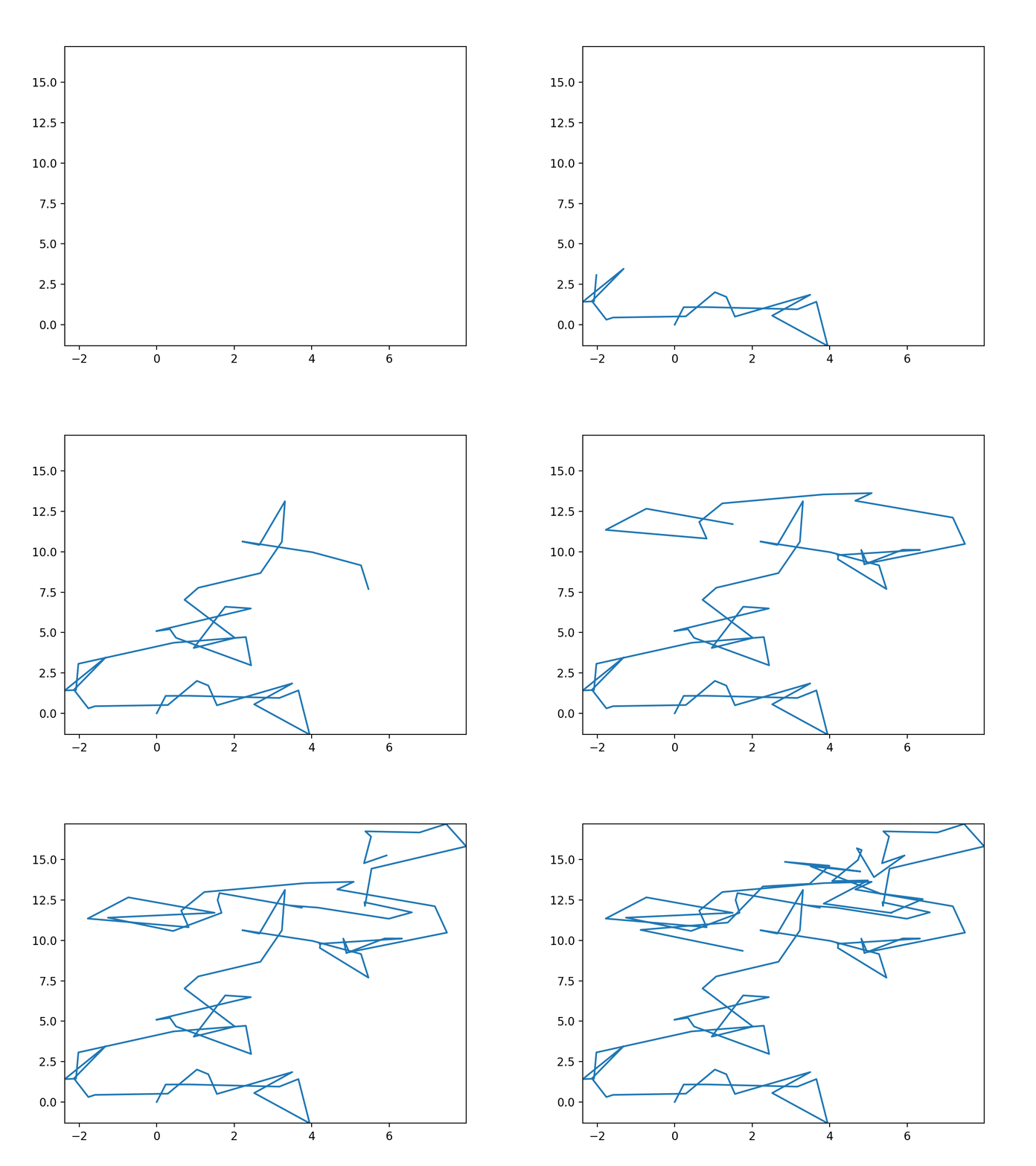
The way these scripts work is that we first generate a data set, which is going to be a random walk in two dimensions. We randomly pick an angle and a step length, then we take that step from the previous step. And then we do that process again until we reach our total number of steps.
After the data is generated, we set some initial values for the plot (such as the extent of the data). Then, we generate the plots and save them into a gif file.
FuncAnimation
The first way to create an animation is using MatPlotLib's FuncAnimation function. It is the fastest way to generate plots, but it can also be tricky to work with. And 'fast' here means that the frames are generated quickly, not that it is simple to code out.
It works by having an initial figure created and then a python function defined to update the figure each frame. Since our data is fairly simple, the update function is likewise simple, we change the plotted data to incorporate an additional step every frame. The interval option defines the time between frames of the animation in ms. Lastly, we use the ani.save() function to save the animation to a file. Here, we specify that we want it as a .gif file, but you could also specify different movie types, such as .mp4.
Additional Import
Note that there is an additional import statement at the top of the script, that contains the package necessary to create animations in MatPlotLib: import matplotlib.animation as animation
ArtistAnimation
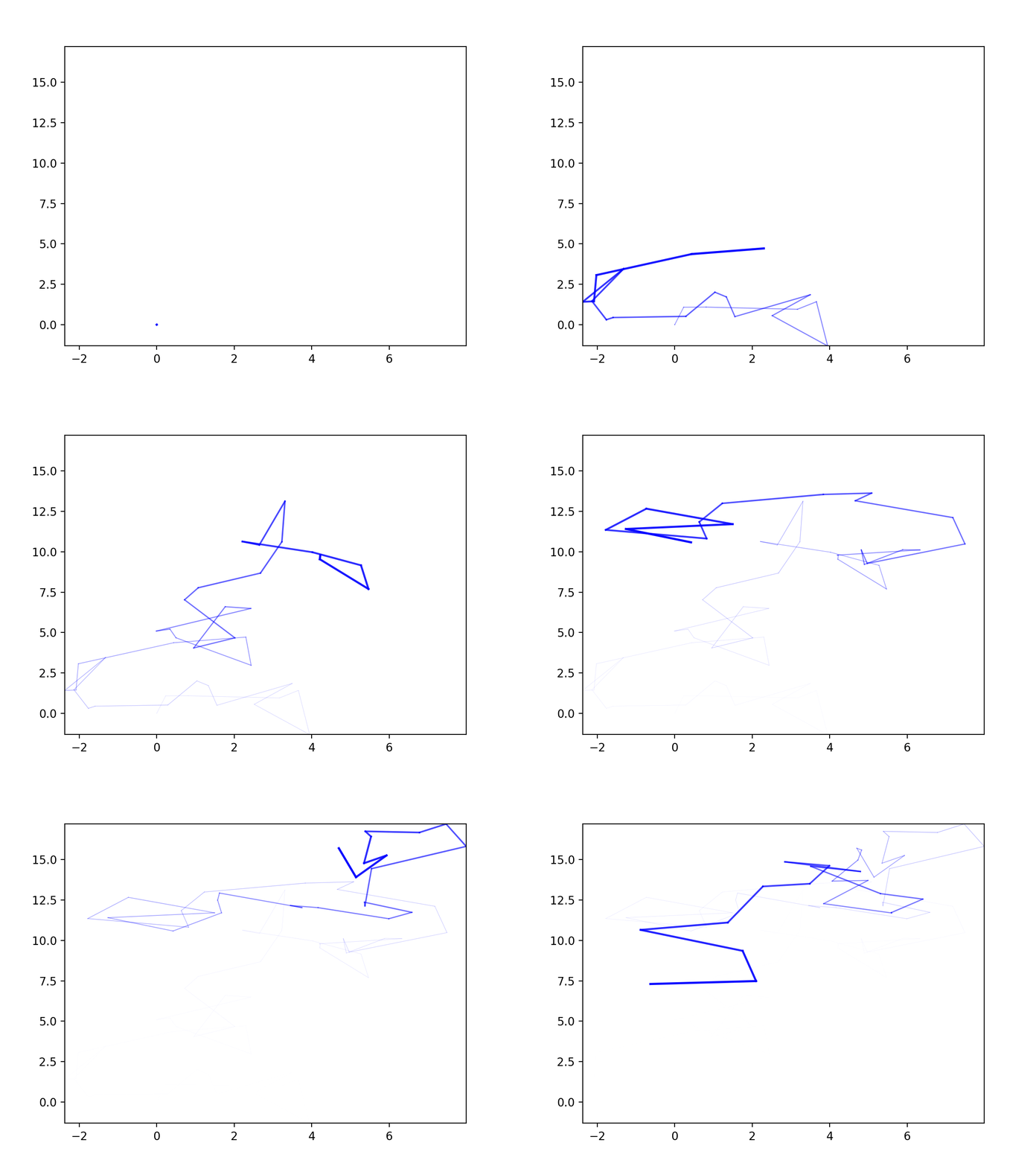
The second way to create an animation is to use the ArtistAnimation function, which takes an array of axes to smash together to form an animation.
In the following script, the imports and data creation are all the same as the previous script. But instead of defining a function to update the figure for us, we simply make a list of the plots we want to have in the animation.
We also add some helper lists, alphas and lws which set the gradually decreasing transparency and line widths, respectively.
Optimization
There are ways that you could optimize these plots further, such as not appending to an array, and instead allocating the whole array in memory, then change each individual step. Another thing you could do is generate the plot inside the data generation loop. However, because it is a random walk, we do not know before hand what x- and y-limits should be put, so we generate the data and then the plots.
In the next section we will talk about the Envision Center, RCAC's center for advanced visualization: Next Section